Start here
Make your first wish
Turn a broad goal into a clear first conversation and one useful next step.
Updated 2 November 2026 · 3 min read
Open this in Genie ↗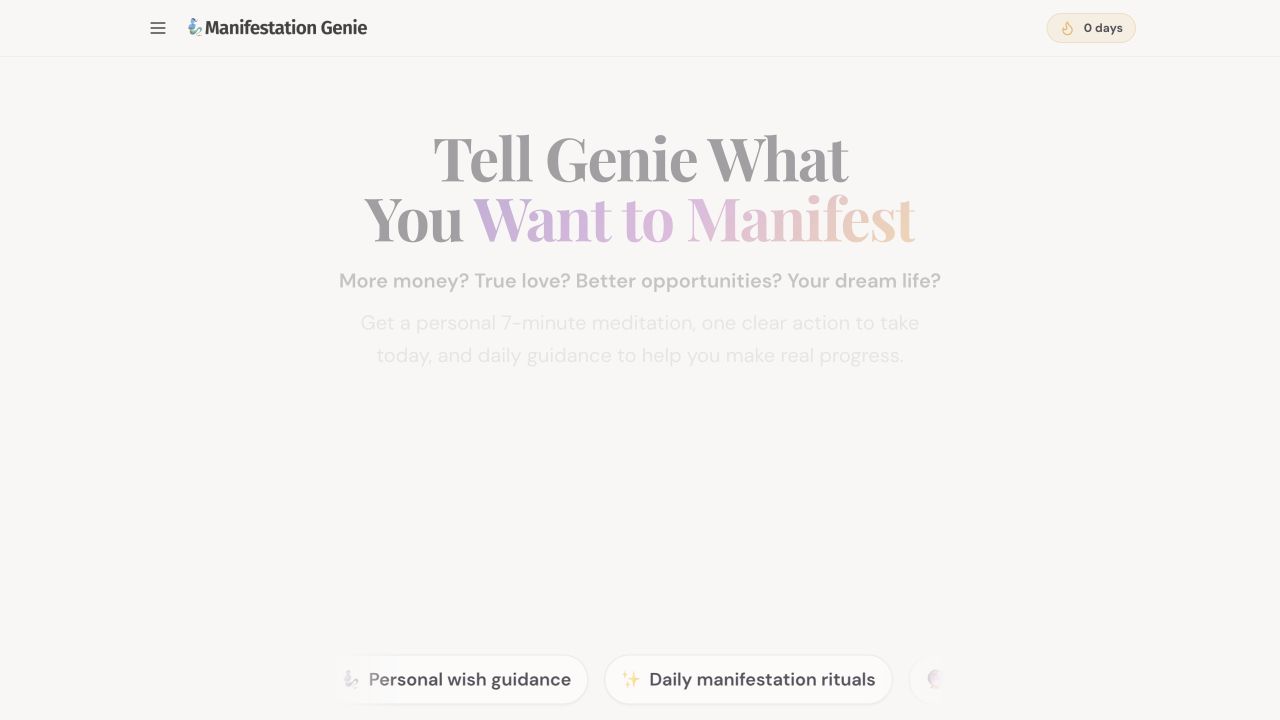
Step by step
- Open Manifestation Genie using the button below. In “What's Your Biggest Wish Right Now?”, write one specific goal. You can also choose a wish such as Manifest More Money or Achieve My Biggest Goal.
- Add your situation and the obstacle. For example: “I want to feel confident asking for a raise. I avoid the conversation because I fear rejection. Help me prepare one small step.”
- Choose MAKE MY WISH. Follow the questions and any sign-in or access prompt shown by the app. Use your existing account if you already have one.
- Read the guidance, then ask a follow-up: “Make this practical. What can I do in ten minutes today?” Choose an action you can actually complete.
- Write down one insight in Mirror Journal. Return tomorrow with what happened so the next conversation has useful context.
What a useful first session looks like
Aim to leave with a clearer goal, one reflection and one practical action. You do not need to solve every part of your life in the first exchange.
If you cannot continue
Check that the wish box contains text. If an access screen appears, sign in using your original method and review the current access information. Do not make a second purchase just to troubleshoot.
What to expect
Genie is an AI reflection and personal-development tool. Its answers may need correction, and it cannot guarantee money, relationships or other life outcomes. Keep personal details you do not want processed out of your prompts.
Still need a hand?
Contact support with the page URL, what happened and any error text.
← Back to all tutorials