Start here
Complete your onboarding questions
Give Genie enough context to make the starting guidance relevant to you.
Updated 2 November 2026 · 3 min read
Open this in Genie ↗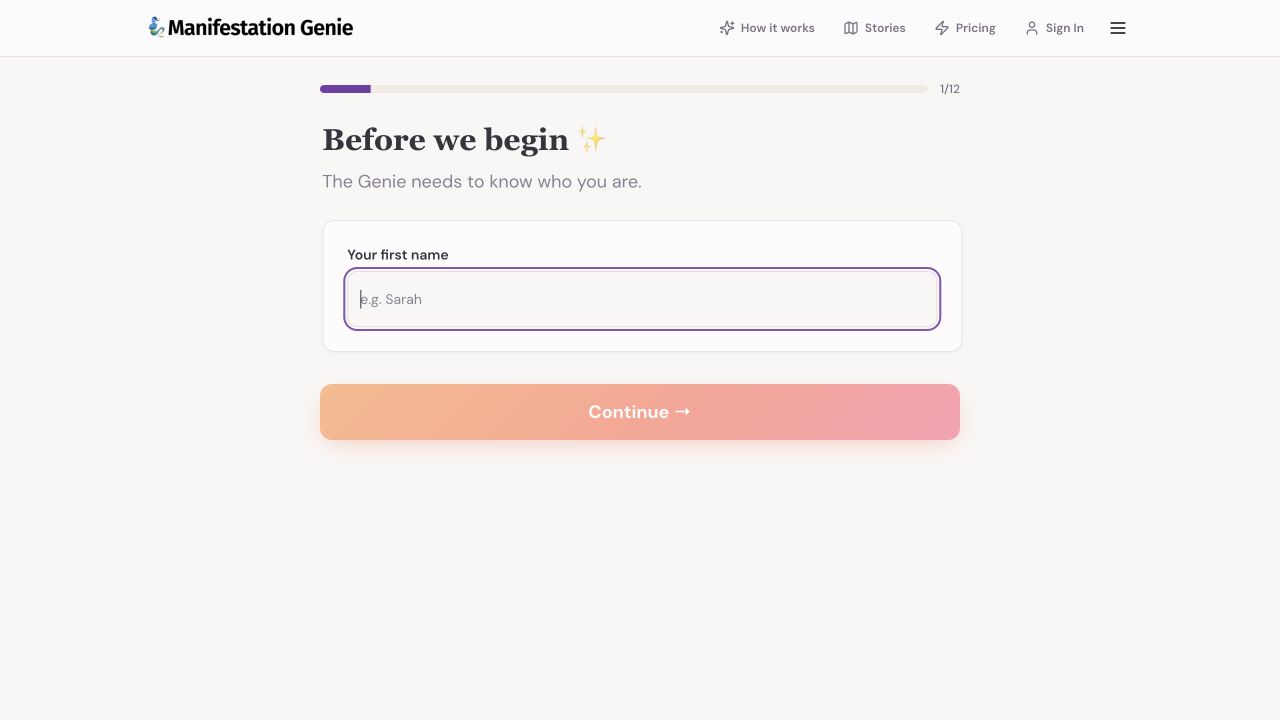
Step by step
- Open onboarding. Enter the first name you want Genie to use, then choose Continue.
- Work through the questions about your goal, the block you notice and what you have already tried. Share only what you are comfortable including.
- Choose the available options that fit you. The source includes age range, belief level, a Genie choice and a ritual time; follow the actual questions shown in your app.
- Review the identity and goal summary at the end. Continue to Chat when you are ready, and clarify anything Genie has misunderstood.
If Continue is disabled
Check whether the current field or choice is required. The first screen needs a name before Continue becomes available.
Keep your answers practical
A concrete goal and a recent example are more useful than trying to find the perfect answer. You can explain changes later in Chat.
What was verified
The first screen and its 1/12 progress indicator were checked live. Later question types were reviewed in source; this tutorial did not submit a personal onboarding profile.
Still need a hand?
Contact support with the page URL, what happened and any error text.
← Back to all tutorials