Plans & daily practice
Build and follow your 7-day plan
Create a week around your goal, work through a day and print your plan.
Updated 2 November 2026 · 3 min read
Open this in Genie ↗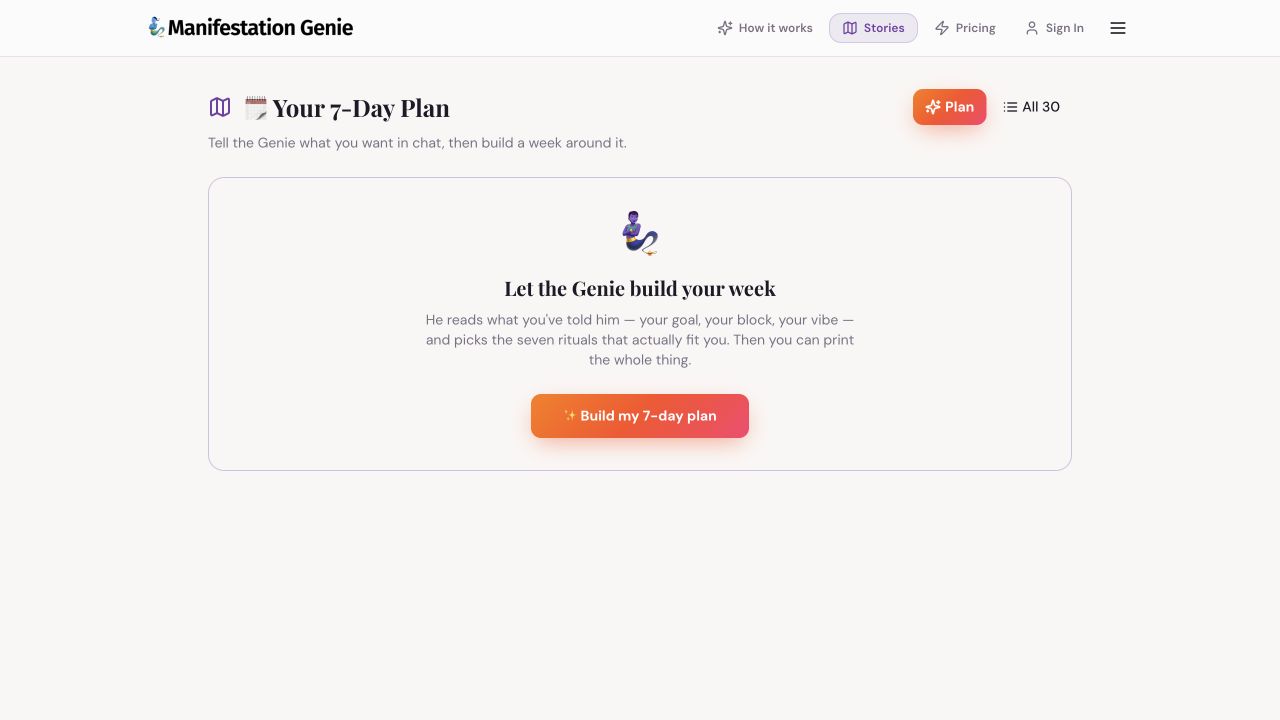
Step by step
- First tell Genie your goal and what is getting in the way in Chat. Choose a vibe if useful, then open Your 7-Day Plan.
- Select Build my 7-day plan and wait for the plan to finish. If asked to sign in or review access, follow the current app prompt.
- Read the week's mantra and the first day's action. Use Talk it through to explore that action in Chat.
- After you complete the action, choose Mark done. If you tapped it by mistake, use Undo when shown.
- Use Printable workbook or One-page cheat sheet after a plan exists. Review the print preview and save a PDF or print using your device's normal controls.
Browse the full library
Choose All 30 to see the ritual library. Start a relevant exercise with Do this with the Genie. Return to Plan for your selected week.
Before rebuilding
Save or print the current week if you want to keep it. Rebuild my week creates a revised plan; do not assume the old version remains available.
If the plan is empty
Check that you have supplied a goal in Chat and that your connection is working. The setup screen has been verified live; generating and printing an authenticated plan still needs a signed-in check.
Still need a hand?
Contact support with the page URL, what happened and any error text.
← Back to all tutorials